Content management has been around since 300 BC to about AD 273 and has been improving since then using non-digital techniques. The birth of the World Wide Web in the '90s brought about even more advancement to the existing traditional content management processes. Since then, we've been improving the processes we use to manage content.
In this article, I'll show you an overview of how content management can be optimized using the headless content management system(CMS) to ensure the reusability of content across several digital platforms or presentation layers (web, mobile, smartwatches, VR headsets, or home assistants).
Introduction to Content Management
The Library of Alexandria is one of the world's largest and most significant ancient libraries. (300 BC to about AD 273) and was the first attempt at managing content. Librarians preserved content in the form of scrolls and codices. They were the first content managers who also controlled access to this preserved content.
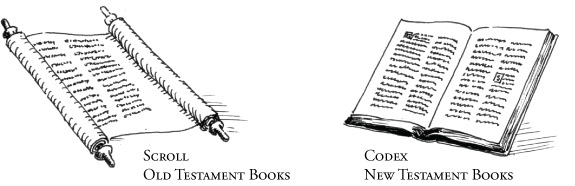
Image source: Google search
Content is information produced through some editorial process intended to be distributed to and consumed by humans. This content is created and managed; then, it is published and delivered to end-users for consumption. Content management (CM), on the other hand, is some set of tools and processes (from content creation to consumption) that support the collection, structuring, managing, preserving, and publishing of information (content) in any form or type.
Some of these processes can include:
- Editing existing content
- Creating new content
- Creating categories
- Creating tags
- Assigning content to a category or tag
- Sorting content
- Creating permissions and roles
- Assign permissions and roles
- Defining content structures and workflow
- Version control
- Publishing content
The Big Four of Content Management
Web Content Management (WCM): This is the management of content meant to be distributed as text, images, sounds, videos, or animations on websites.
Enterprise Content Management (ECM): This is the management of business content not intended for distribution via websites (e.g. business and employee records).
Digital Asset Management (DAM): This is the management of media files (images, audio, video).
Records Management (RM): This is the management of transactional records from business operations consciously retained as evidence.
Introduction to Content Management Systems
According to Wikipedia, a content management system (CMS) manages the creation and modification of digital content. These systems support multiple users in a collaborative environment, allowing documents to be managed with different styles of governance and workflows.
A CMS usually allows multiple users to interact with content stored in a repository. This repository might be located on the same server powering the application or in a separate cloud storage service. Content editors can then edit existing content, create new content, perform some editorial processes on content, and make the processed content available for consumption by end-users.
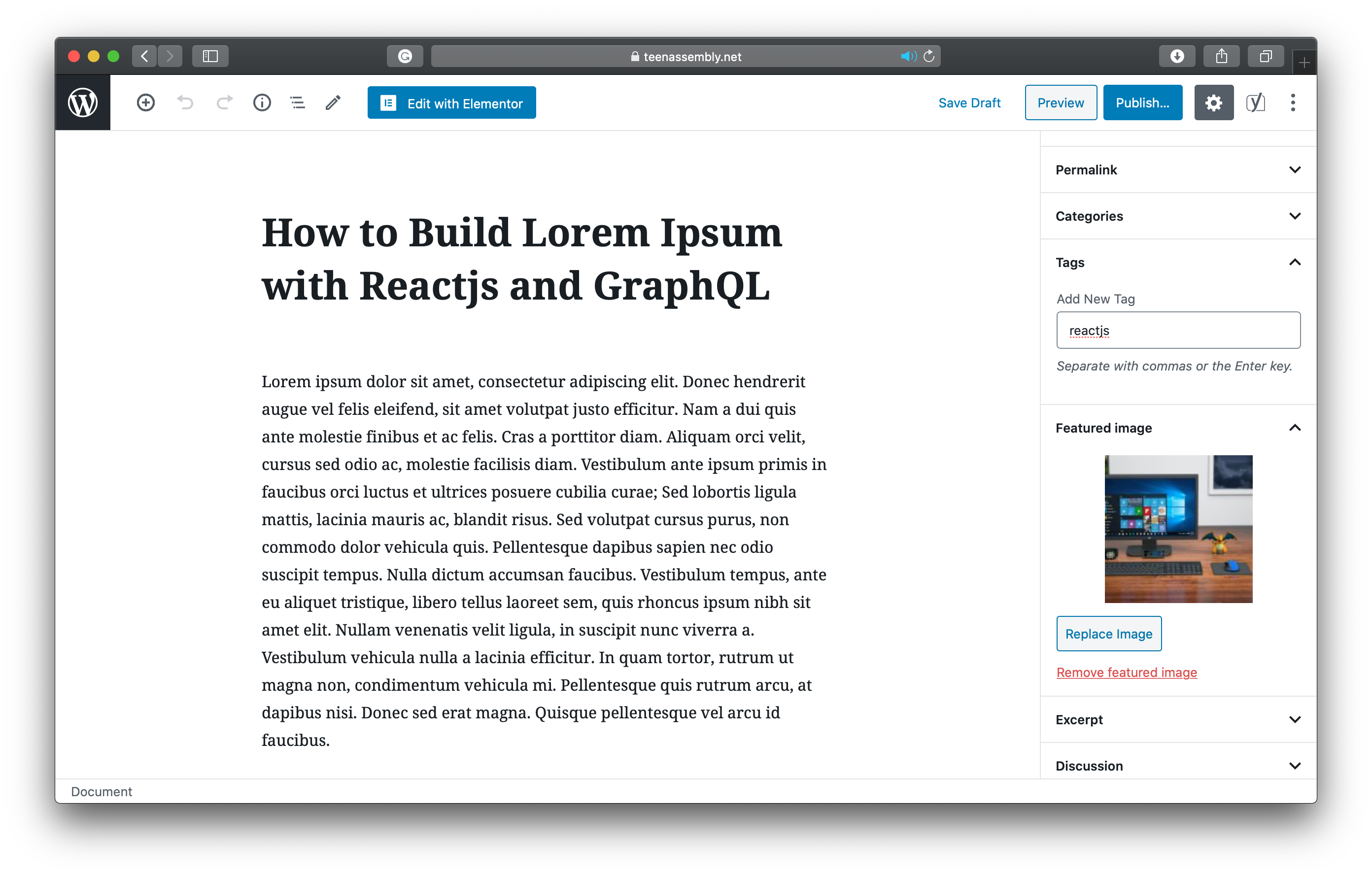
Demo of the popular WordPress CMS
Components of a CMS
A content management system typically has two major components:
Content management application (CMA): This is the user interface that allows an editor to add, modify, remove and manage content from a website.
Content delivery application (CDA): This is the component that compiles the managed content and distributes it to the website or final front-end layer.
Introduction to Traditional CMS
Traditional content management systems are "coupled"; the content management application (CMA) and the content delivery application (CDA) come together in a single software application. Here, managing and delivering content to the front-end layer is done on one application, making it difficult for developers and content managers to work independently. The CMS's backend and database are tightly bound within the same system that delivers and presents content to the front-end layer.
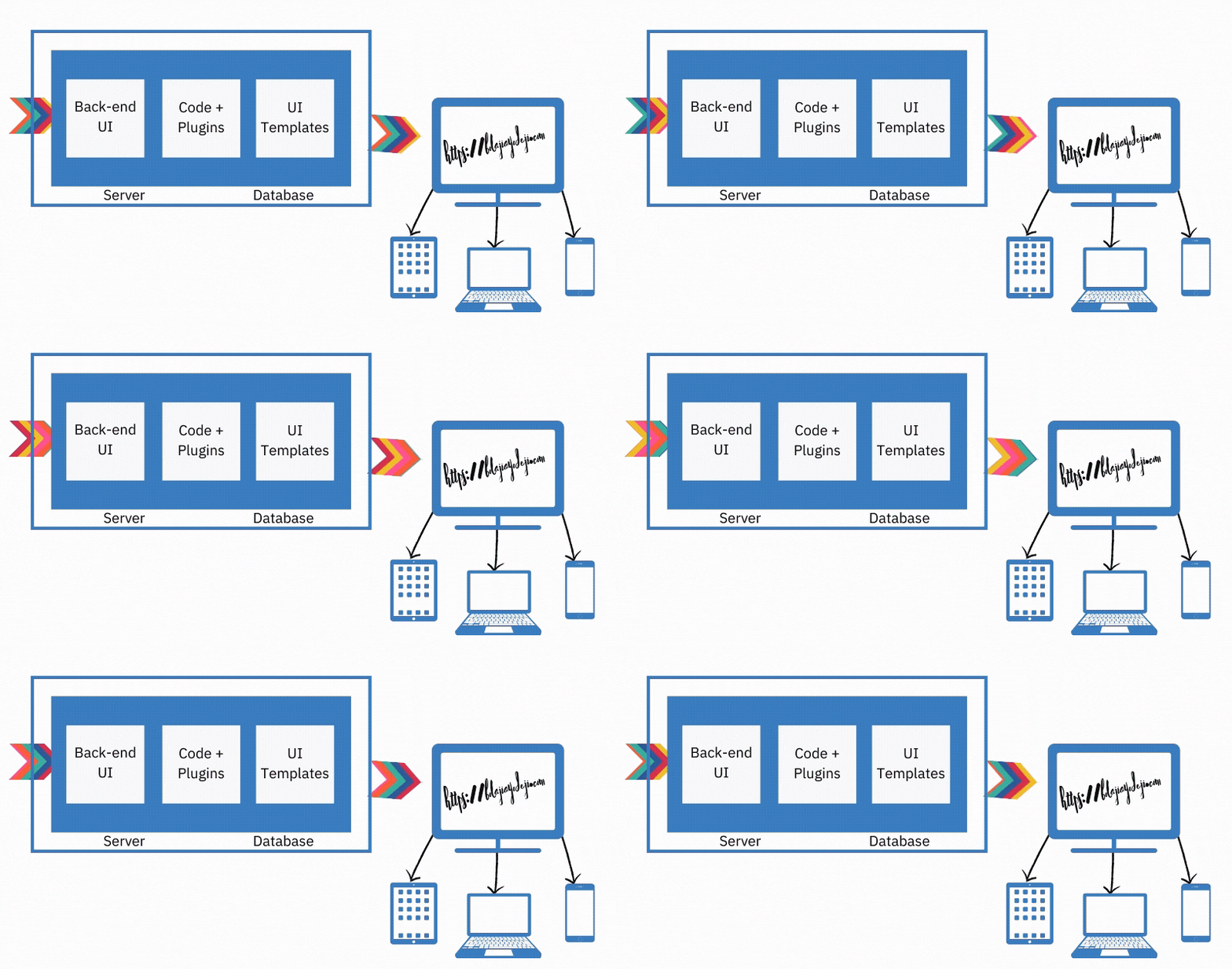
Content is created, managed, and stored along with all digital assets on the site’s back-end while providing a content delivery layer on the frontend.
Introduction to Headless CMS
Traditional CMS mixes content with the front-end code (which is usually stack-specific), limiting the content to just the application upon which it is built. With the headless CMS, the front-end component of the CMS is decoupled from the application, content becomes independent, and you don't have to worry about how and where the content gets displayed but instead just storage, structuring, and delivery of the content.
The headless content management system is built as a content repository that makes structured content accessible via a RESTful API, GraphQL API, or the Git Workflow for display on any device while maintaining the speed, security, and scalability of the JAMstack architecture.
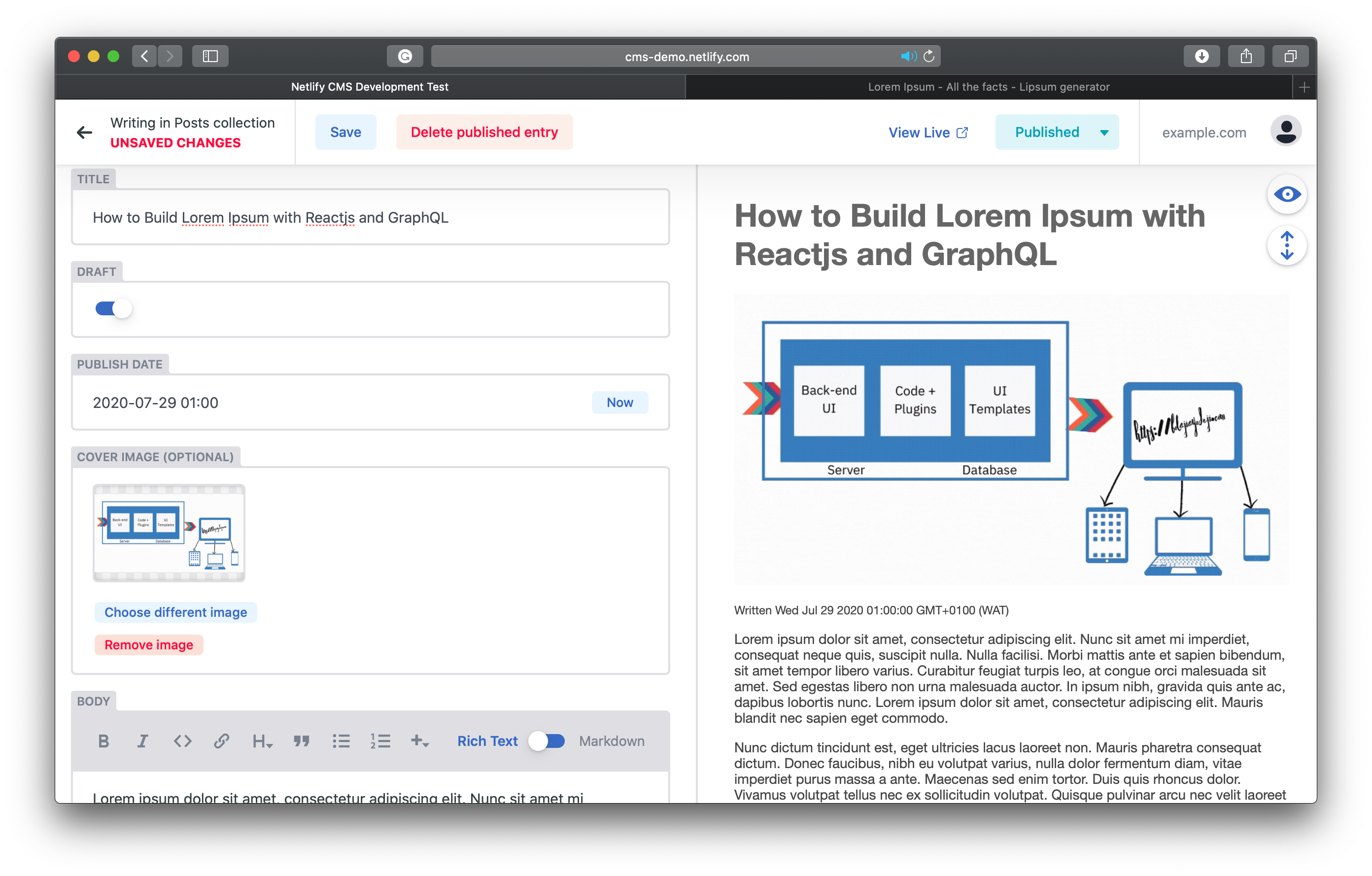
You create and structure your content in the Headless CMS.
You fetch data from your API endpoint to your website or application.
You query your content to your website or applications
{
  products {
    id
    name
    date
    tags
    image {
      url
      fileName
    }
  }
}
- You can then render the fetched data in your website or application however you want and on several platforms.
Benefits of Headless CMS
Wondering why you should delve into headless content management systems? Here are some reasons:
The content created in a headless CMS is "raw" and can be reused across multiple platforms, making it easier for you to scale your application and still satisfy all your users on all platforms.
Content managers can work in their preferred choice of headless CMS, and developers can build with any front-end framework of their choice in their preferred programming language.
Headless CMSs are cheaper to set up and easier to use with even less technical expertise after setup.
A headless CMS promotes an agile way of working since content managers and developers can work independently and simultaneously, resulting in faster development.
Headless CMS secures your content by providing it in high-performance CDN rather than directly from the database, thereby reducing the risk of distributed denial-of-service attacks (DDoS).
Categories of Headless CMS
You can find a comprehensive list of all Content Management Systems for Jamstack Sites here. However, headless CMSs are generally based on two categories described below.
Git-based Headless CMS
With a git-based CMS, you make and push changes to a git repository on a service like GitHub or GitLab. This service will then serve as your content delivery network, trigger a new build and update your website. Here are some of my favorites:
API-driven Headless CMS
With an API-driven CMS, you manage your content on the CMS and deliver these contents to your application’s front-end with an intermediary API. Here are some of my favorites:
Conclusion
Content management is revolving, and there is an increasing demand for more flexible, scalable, and faster ways to deliver content with the right experience to the right user on the right platform. The future is headless!
You should consider checking out the slide of my recent talk: Optimizing Content Management with the Headless CMS.
Attributions
Further Resources
About the author
undefined or mostly null.
Comments
Join the discussionHello, I wanted to thank you for sharing this useful material. I appreciate reading it. I used similar system of management together with the cooperation of sameday resume service in order to improve m career opportunities.
Hey nice article but watch your history. As a former librarian, I disagree that librarians have made no advances in 2000+ years especially when it takes at least one Masters degree to be one. We laid the foundation for CMS systems before the technology was there to support it.
Thanks for the kind feedback :)
I literally said so that:
Librarians preserved content in the form of scrolls and codices. They were the first content managers who also controlled access to these preserved content.
Bolaji Ayodeji sorry, I should have clarified that I'm looking at the first two sentences.
Sure, it's fine Karen Bulow.
I don't mean to say that content wasn't improved before WWW was born. I meant, people usually see content management as something digital that started when WWW was born, so I mean WWW just brought an improvement to the existing process and was not the start of the process itself.
I hope this explains better.
very nice read. thanks Bolaji Ayodeji
Thank you
Useful content. Thanks for this Bolaji Ayodeji😁
Thank you!
Content management has been around since 300 BC to about AD 273
I genuinely believed you were kidding 🤣
Very nice article, Bolaji.
Hahaha, thank you!
Bolaji Ayodeji, This is just cool.. Thanks for sharing.
Thanks for reading :)
Awesome
Thanks
Web Engineering
In this series, I will share articles related to best practices for building and deploying applications on the web with the JavaScript and Python programming languages.